Internal Linking Blueprint for WordPress Blogs
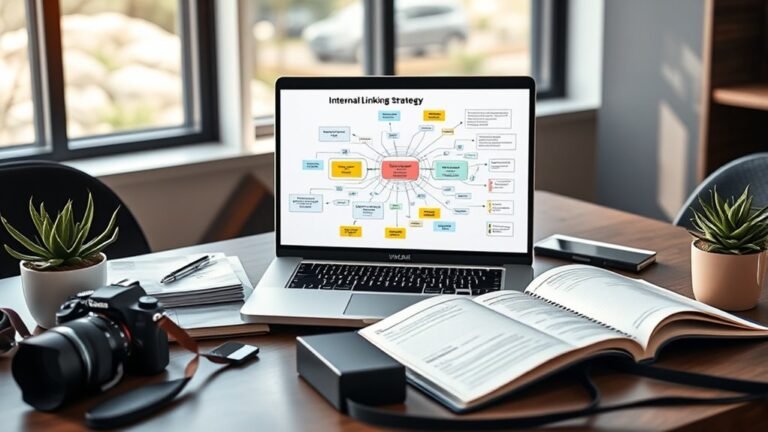
To optimize internal linking for your WordPress blog, focus on enhancing SEO and user experience. Use descriptive, keyword-rich anchor text, and create a logical site structure with clear categories. Regularly monitor for broken links and update older posts to stay relevant. Leverage tools like Yoast SEO and Link Whisper to track your links effectively. This strategic approach not only boosts rankings but also keeps readers engaged with related content, leading to more insights on optimizing your site.
Understanding the Importance of Internal Linking
While many bloggers focus on external links, understanding the importance of internal linking can greatly enhance your site’s SEO and user experience. Internal links distribute link equity throughout your site, helping search engines recognize the structure and relevance of your content. This, in turn, can improve your rankings and visibility.
Moreover, internal linking keeps users engaged by guiding them to related content, reducing bounce rates and encouraging longer visits. When you strategically place internal links, you’re not just optimizing for search engines; you’re crafting a more intuitive navigation experience for your audience. This freedom to explore your site can foster trust and loyalty among your readers.
Best Practices for Effective Internal Linking
To maximize the benefits of internal linking, it’s essential to adopt a strategic approach that aligns with both user experience and SEO goals. Effective link placement is vital; make sure links are embedded naturally within relevant content. This not only enhances user navigation but also boosts the contextual relevance of your pages.
Consider these best practices:
| Best Practice | Description |
|---|---|
| Use Descriptive Anchors | Create meaningful, keyword-rich anchor text. |
| Link to Relevant Content | Make sure links direct users to related topics. |
| Limit Outbound Links | Keep internal links prominent to maintain focus. |
| Monitor Link Health | Regularly check for broken links. |
| Update Older Posts | Refresh and link to new content for improved relevance. |
Creating a Logical Site Structure
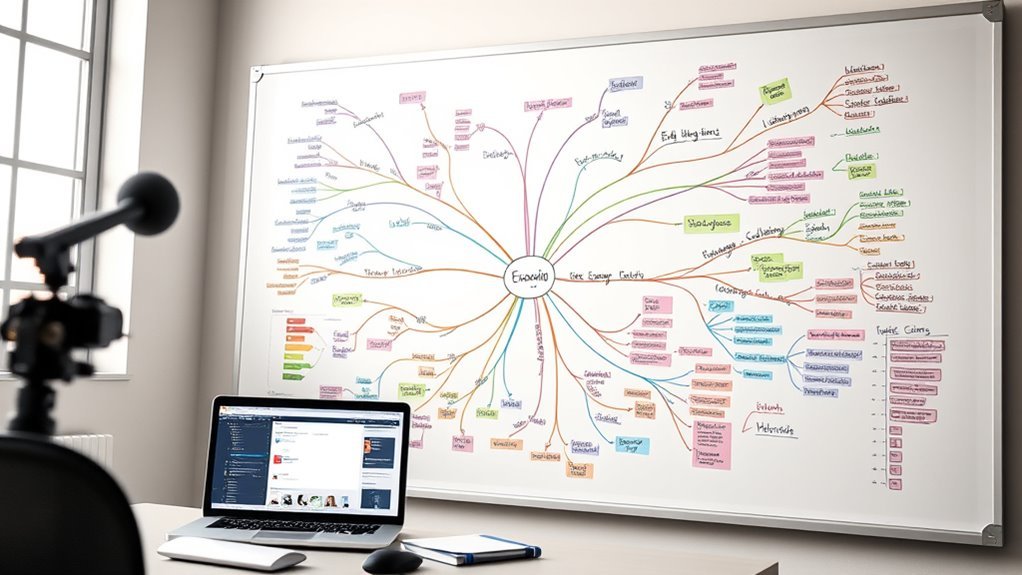
Creating a logical site structure is essential for enhancing both user experience and search engine optimization, as it allows visitors to navigate your content intuitively. Establishing a clear site hierarchy not only improves user navigation but also helps search engines understand your content’s relevance and context. Start by categorizing your content into primary topics and subtopics, ensuring that each category links to related posts or pages. This approach creates a roadmap for users, guiding them through your blog effortlessly.
Consider implementing a breadcrumb navigation system, which provides users with a visual representation of their location within your site hierarchy. This enhances their freedom to explore while reinforcing the internal linking strategy. Regularly review and adjust your structure as your content evolves, ensuring it remains logical and user-friendly. With a well-organized site, you empower visitors to discover more of what you offer, ultimately increasing engagement and retention.
Utilizing Anchor Text Wisely
How do you guarantee your anchor text enhances both user experience and SEO? The key lies in balancing anchor diversity with contextual relevance. Using varied anchor text not only helps search engines understand the content of your linked pages but also keeps your readers engaged. Avoid repetitive phrases; instead, use descriptive terms that reflect the linked content’s essence.
For instance, if you’re linking to a post about “healthy recipes,” use phrases like “wholesome meal ideas” or “nutritious dishes” instead of simply repeating “healthy recipes.” This strategy enriches the reader’s experience and improves your site’s SEO.
Additionally, make certain that your anchor text fits seamlessly within the content. Contextual relevance is vital; when your links make sense within the surrounding text, users are more likely to click through. Ultimately, by employing thoughtful anchor text, you’re not just optimizing for search engines but creating a more satisfying journey for your audience.
Tools and Plugins for Internal Linking
While using varied anchor text is pivotal for enhancing user experience and SEO, leveraging the right tools and plugins can streamline the internal linking process on your WordPress blog. Tools like Yoast SEO and Link Whisper are essential for automating suggestions based on your content, making it easier to implement effective link building strategies. Yoast offers real-time feedback, while Link Whisper excels in analyzing your existing links.
When exploring plugin comparisons, consider factors such as ease of use, customization options, and support. A/B testing different plugins can reveal which ones align best with your linking goals. Additionally, tools like Ahrefs and SEMrush can provide insights into your site’s internal linking structure, allowing for data-driven decisions.
Ultimately, the right combination of tools can empower you to enhance your blog’s SEO, improve navigation, and create a seamless experience for your readers.
Analyzing and Optimizing Your Internal Links
Analyzing your internal links is essential for enhancing your blog’s SEO and user experience. By utilizing various tools, you can identify which links are effective and which ones need optimization. This strategic approach not only strengthens your site’s structure but also directs traffic to your most valuable content.
Importance of Internal Links
Although many bloggers focus on creating new content, understanding the importance of internal links can greatly enhance your site’s performance and user experience. Internal links not only improve user engagement but also provide significant SEO benefits, creating a pathway for both users and search engines to navigate your site effectively.
| Type of Link | User Engagement Impact | SEO Benefits |
|---|---|---|
| Contextual | High | Improves ranking |
| Navigational | Moderate | Increases crawlability |
| Footer Links | Low | Less impactful |
| Related Posts | High | Reduces bounce rate |
Tools for Analyzing Links
Understanding your internal linking structure is essential for optimizing your WordPress blog’s performance. To achieve this, leverage tools that provide in-depth link analysis. Tools like Ahrefs, SEMrush, and Yoast SEO can help you assess your internal links, revealing patterns in your linking strategy. By examining SEO metrics such as anchor text distribution and link depth, you can identify opportunities to enhance your content’s visibility. Additionally, these tools allow you to spot broken links that could hinder user experience and SEO. Regularly analyzing your internal links not only strengthens your blog’s architecture but also empowers you to maintain the freedom to create valuable content while ensuring it reaches your audience effectively. Optimize strategically, and watch your blog thrive.
Frequently Asked Questions
How Often Should I Update My Internal Links?
You should update your internal links regularly, ideally every 3-6 months. Studies show that websites with a solid internal link strategy can boost page views by up to 30%. By renewing links, you enhance content relevance, guiding readers through your site more effectively. Keep an eye on your analytics, and don’t hesitate to tweak links as your content evolves. This freedom to adapt strengthens your site’s authority and user experience.
Can Internal Linking Improve My SEO Rankings?
Yes, internal linking can definitely improve your SEO rankings. By employing effective internal link strategies, you create a web of connections that helps search engines understand your site’s structure and content. This boosts your site’s authority and relevance, leading to significant SEO benefits. Additionally, it enhances user experience, keeping visitors engaged longer. So, don’t overlook the power of a well-structured internal linking system; it can be a game changer for your online freedom.
Should I Link to Older or Newer Posts?
When crafting your linking strategy, it’s often wiser to link to older posts. Think of it like a well-trodden path in a dense forest—it leads the way and offers context. Older content usually carries established authority and relevance, enhancing your site’s SEO. However, don’t ignore newer posts entirely; they can also be valuable if they align well with existing content. Balance is key for driving traffic and ensuring content relevance.
How Do I Find Broken Internal Links?
To find broken internal links, you should use link checking tools like Screaming Frog or Ahrefs. These tools crawl your site and identify any links that lead to 404 errors or dead pages. Once you’ve pinpointed these broken links, you can strategize on how to repair them—either by updating the link to a relevant page or removing it entirely. This guarantees your site remains user-friendly and enhances its overall SEO performance.
Is There a Limit to How Many Internal Links per Page?
There isn’t a strict limit to how many internal links you can place per page, but strategic selection is key. Prioritize link placement that enhances user experience and maintains link relevance. Too many links can overwhelm visitors and dilute value. Aim for clarity and cohesion; linking thoughtfully guarantees your content flows smoothly, guiding readers without confusion. Balance is essential—empower your audience with freedom to explore, but don’t clutter their journey with excessive links.